
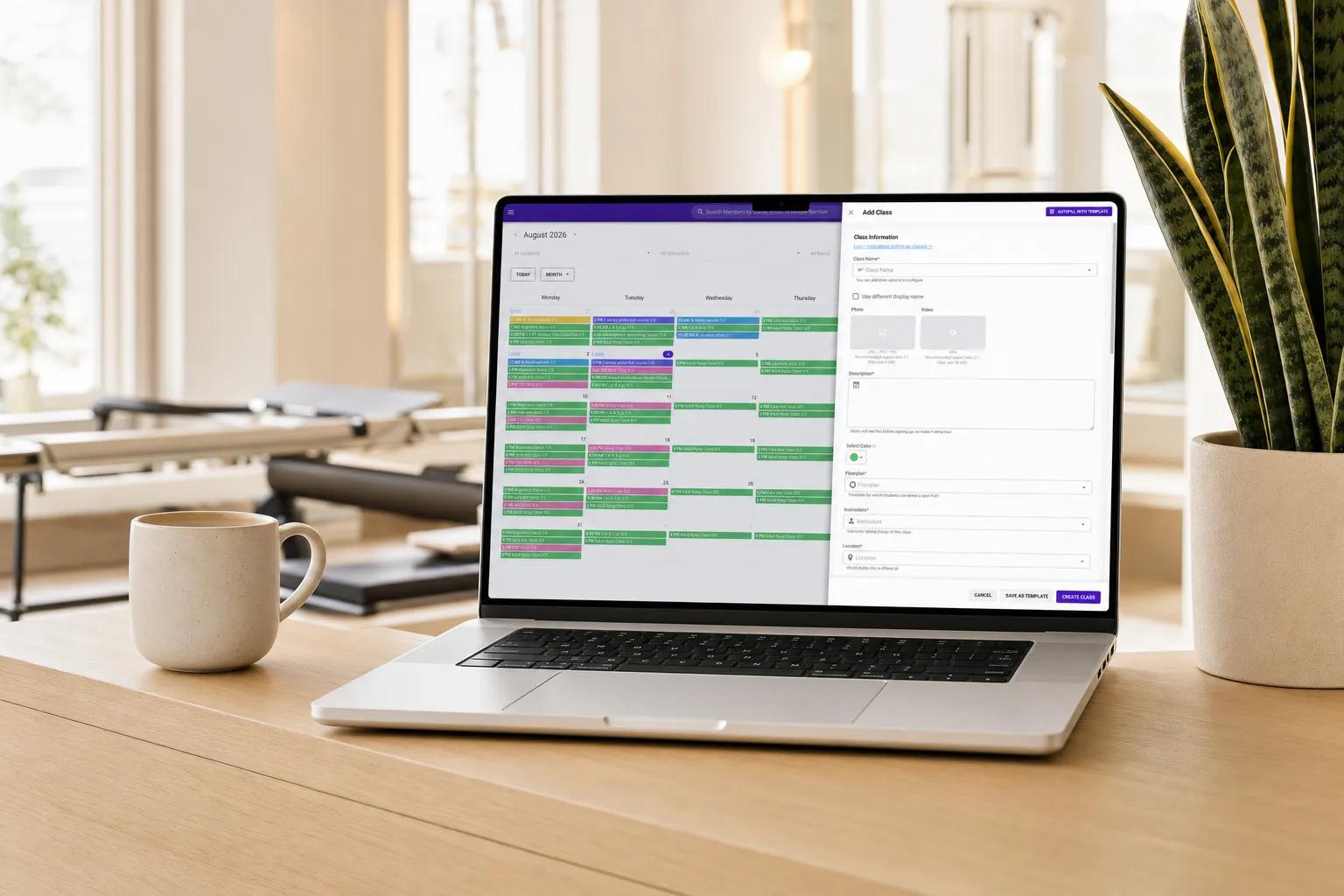
What is Vibefam Scheduling?
Vibefam Scheduling is the rules-driven class scheduling engine inside the all-in-one studio management platform. Studio owners configure their classes, instructors, capacity, and policies once, and Vibefam handles the daily reality.
- Member cancels: the waitlist auto-promotes the next person.
- Class doesn't hit minimum signups: the platform cancels it and notifies members.
- Member no-shows: the late-cancel fee or credit deduction applies automatically.
- Instructor calendar sync: instructor schedules sync to their own Google Calendar without setup.
ClassPass bookings flow into the same schedule. Recurring class series schedule across days, weeks, or seasons in a single setup. Real-time spot booking lets members reserve specific bikes, mats, hammocks, or reformer machines for studios that need it. The result is a class operations layer that runs without admin overhead.
Scheduling is part of the comprehensive boutique studio platform that also handles appointments, courses, workshops, events, memberships, packages, merchandise, lead management, AI-powered marketing automation, and the AI Website Builder, paired with a dedicated Studio Success Manager for every studio.
Trusted by 700+ boutique studios across North America and Asia-Pacific










What's Included with Vibefam Scheduling
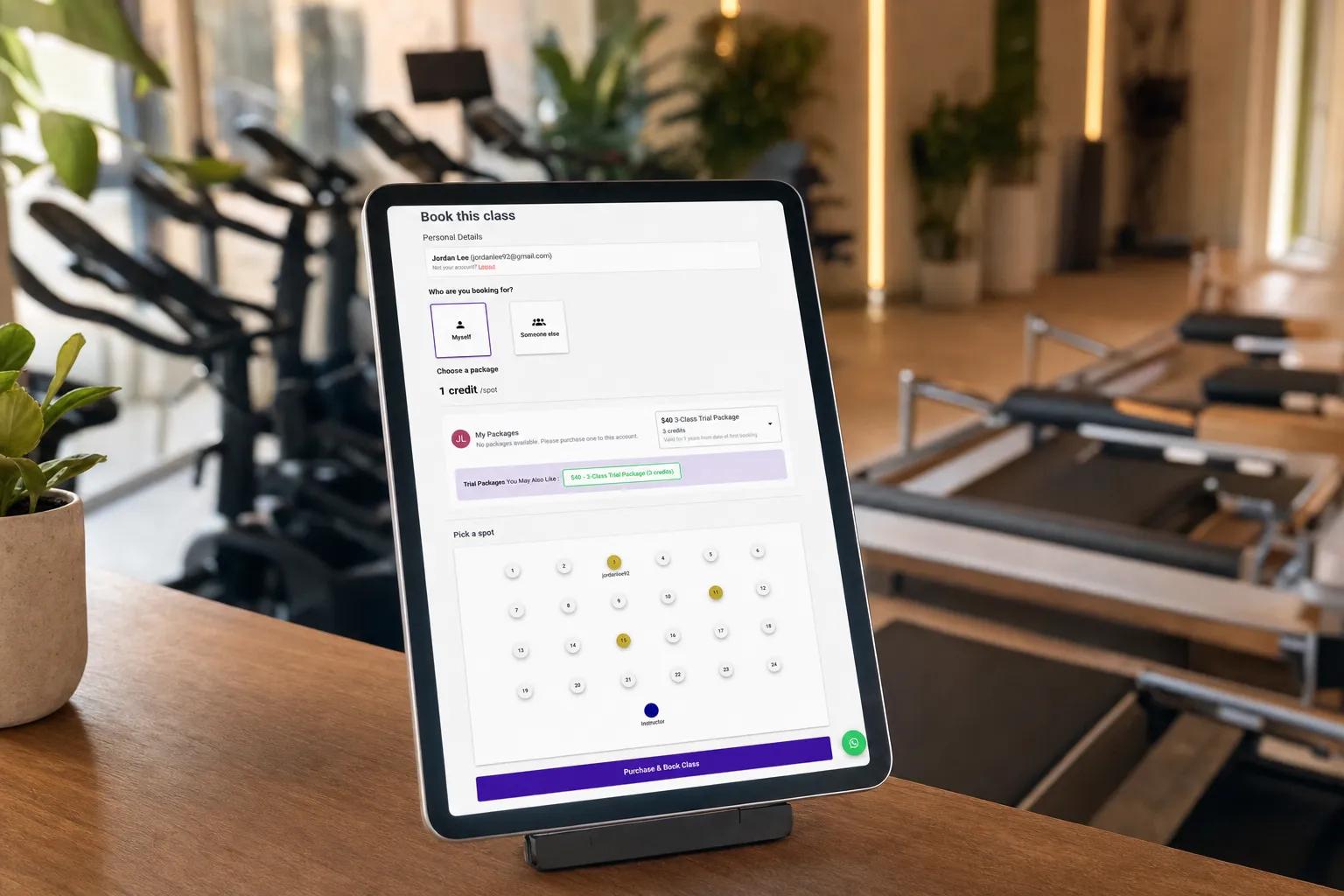
Class Operations That Run Without You
Waitlist that runs itself
A member cancels at 6:48 AM for a 7:00 AM class. Vibefam promotes the next person on the waitlist, sends them a confirmation, and updates the roster. The studio owner doesn't touch it.
Learn moreClassPass-native
ClassPass bookings flow directly into the Vibefam schedule with full attendance tracking. The same nurturing workflows that convert direct leads convert ClassPass trial members into paying members.
Learn morePolicies that enforce themselves
Set late-cancellation windows, no-show fees, and credit-deduction rules once. The platform applies them on every booking automatically. Strike systems, fee escalation, and per-class-type variations all configurable.
Auto-cancel under-attended classes
Set the minimum signup threshold (e.g., 3 members) and the cutoff time (e.g., 1 hour before class). Below threshold at cutoff? The class auto-cancels, members are notified, instructor calendar updates.
Google Calendar for instructors
Instructors see their class schedule in their personal Google Calendar, kept in sync automatically. They never miss a class because they didn't open the studio app.
Learn moreReal-time spot booking
Custom floor plans for studios that need them. Members reserve specific bikes, mats, hammocks, or reformer machines. Capacity management is per-spot, not just per-class.
Go deeper into the platform
Waitlist Management That Auto-Fills Seats
A member cancels at 6:48 AM for a 7:00 AM class. Without a waitlist that acts on its own, that seat stays empty and a waitlisted member misses out. Vibefam closes that loop automatically.
- Auto-promotion: the moment a spot opens, from a cancellation, a no-show, or a late-cancel, the next waitlisted member is booked in.
- Branded confirmations: the promoted member gets an email and in-app push instantly, and the roster updates itself.
- Full classes by morning: owners arrive with the class already full, no front desk needed at 6:48 AM.
For real-time auto-promotion, configurable cut-off locks, notifications, and member-visible queue positions, see Vibefam Waitlist Automation.
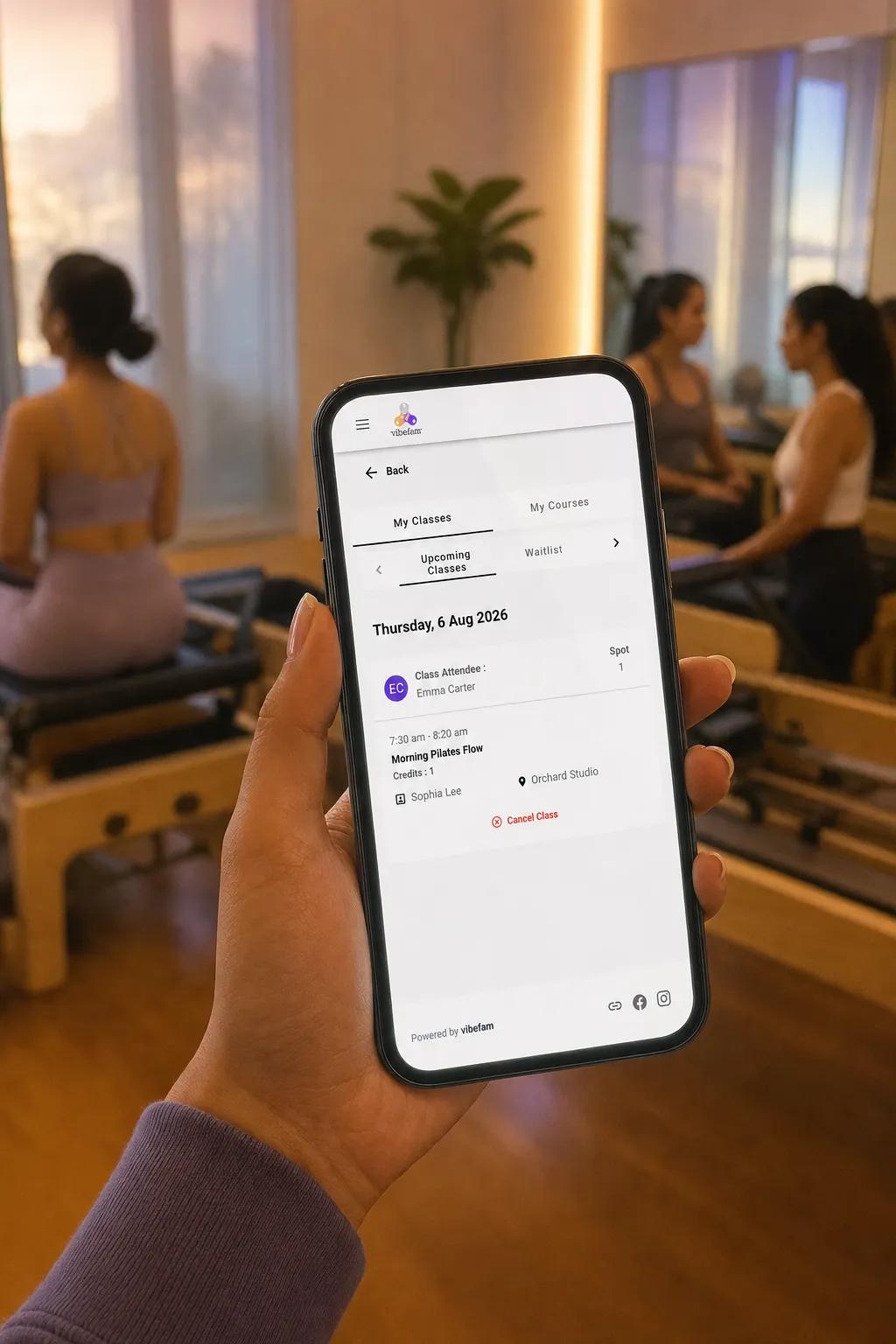
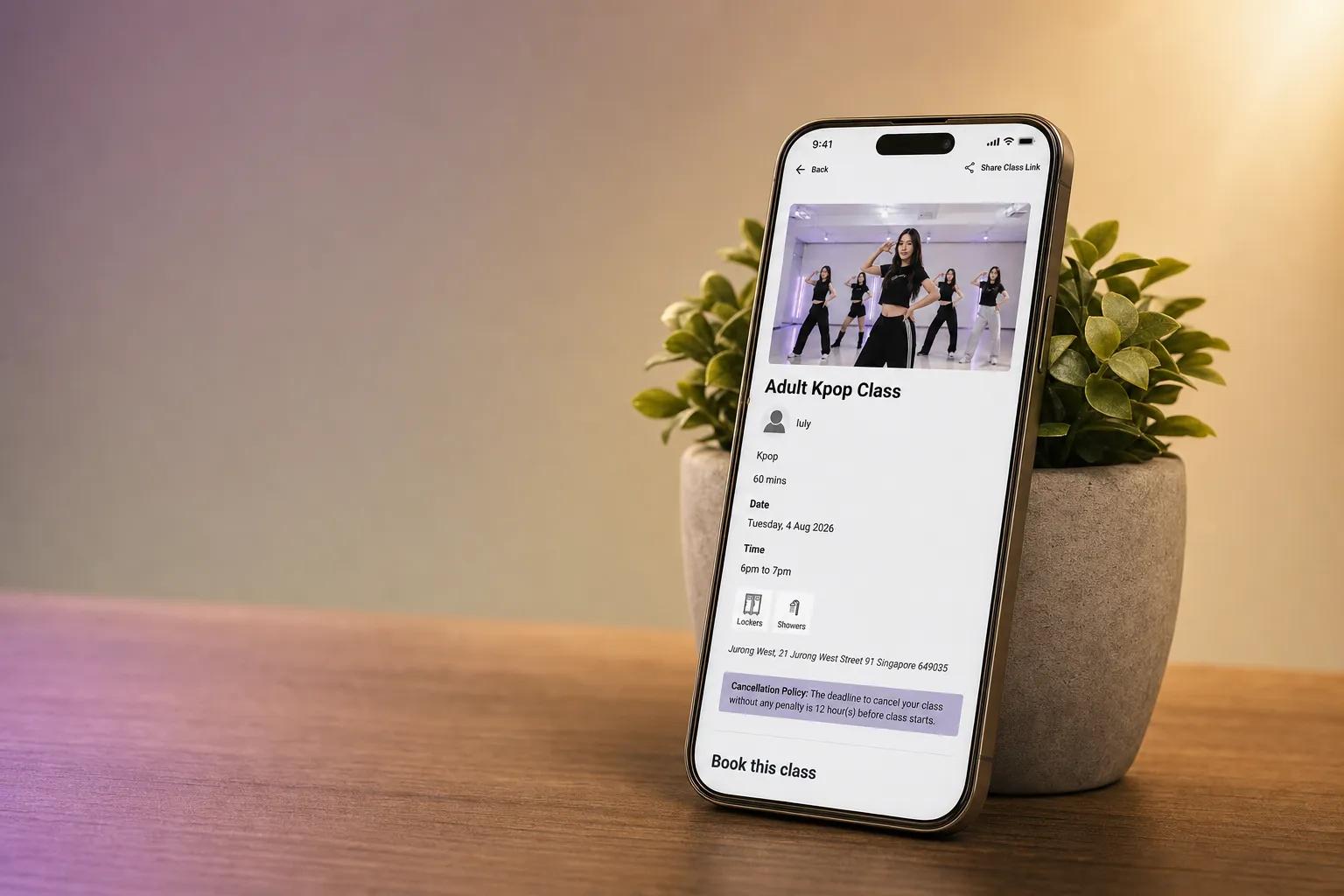
Cancellation Policies, No-Show Penalties, and Auto-Cancel: All Rules-Driven
Boutique studios live or die by the operational details: no-shows, late cancels, classes that run under minimum because nobody had time to call them. Vibefam turns those edge cases into rules you set once.
- Late-cancellation windows: set per class type, enforced automatically at the deadline.
- No-show penalties: fees or credit deductions applied the moment the cutoff passes.
- Auto-cancel thresholds: under-attended classes cancel themselves, notify members, and update the instructor's calendar.
- Google Calendar sync: instructors see classes and cancellations in the calendar they actually check.
You set the rules at onboarding with your Studio Success Manager. The platform handles every edge case from there.
From Daily Schedule Firefighting to Rules-Driven Class Operations
- Empty seats sit empty because no one is there to manually promote from the waitlist
- No-shows and late-cancels tracked in spreadsheets, fees applied inconsistently
- Under-attended classes go ahead because nobody has time to call members and cancel
- Instructors miss classes they didn't see in the studio app
- ClassPass bookings live in a separate inbox, manually copied into the schedule
- Waitlist auto-promotes the moment a booking opens; class is full when the studio owner arrives
- Cancellation policies enforce themselves; no-show fees and credit deductions applied automatically
- Auto-cancel under-attended classes by your cutoff time, with member notifications sent
- Instructor Google Calendar sync, schedule (and cancellations) flow into the calendar they check
- ClassPass bookings sync directly into the Vibefam schedule with full attendance tracking
Vibefam Scheduling by the Numbers
What Studio Owners Say
“We used to lose 2 or 3 spots a day to last-minute cancellations. Vibefam fills them now with waitlisted members automatically, those seats stay revenue-positive instead of going dark.”
Why Studios Choose Vibefam for Class Scheduling
Quiet factual comparison across the capabilities boutique studios actually use day-to-day.
See Vibefam Scheduling Run Your Class Operations
Book a live demo with a Studio Success Manager. We'll walk through waitlist auto-promotion, cancellation policy enforcement, auto-cancel, and Google Calendar sync on your specific class schedule.
Book your free demo
Takes 30 seconds. We'll follow up to schedule.
Class Scheduling: Frequently Asked Questions
Does Vibefam support automatic waitlist management?
Yes. When a booking opens up, the next member on the waitlist is auto-promoted, sent a confirmation by email and in-app push, and added to the class roster, without anyone at the studio touching it.
How does Vibefam handle no-shows and late cancellations?
Vibefam applies cancellation policies automatically. Studio owners configure late-cancel windows and penalties (credit deductions, fees, or strike systems) per class type, and the platform enforces them the moment the cutoff passes. Studios using automated cancellation policies report 40% fewer no-shows.
Can Vibefam auto-cancel a class if not enough members sign up?
Yes. Set a minimum-signup threshold and a cutoff time per class. If signups don't hit the threshold by cutoff, the class auto-cancels, members are notified, and the instructor's calendar updates.
Does Vibefam integrate with ClassPass?
Yes. ClassPass bookings sync directly into the Vibefam schedule with full attendance tracking. ClassPass trial members enter the same automated lead-nurturing and trial-to-member conversion workflows as direct leads.
Can instructors see their class schedule in Google Calendar?
Yes. Instructors connect their Google Calendar once, and their Vibefam class schedule syncs automatically. Cancellations, schedule changes, and new classes all flow into the calendar they actually use.
Can I customize cancellation policies per class type?
Yes. Late-cancel windows, no-show fees, and credit-deduction rules can be set per class type, so a 1:1 personal training cancellation policy can differ from a drop-in HIIT class.
Does Vibefam support real-time spot booking?
Yes. Studios that need it can configure custom floor plans for spin classes, reformer Pilates, aerial yoga, and similar formats, members reserve specific bikes, mats, hammocks, or machines, with capacity managed per spot.